USA Owned & Operated


Office 2024 vs Microsoft 365: Which Should You Buy in 2026?
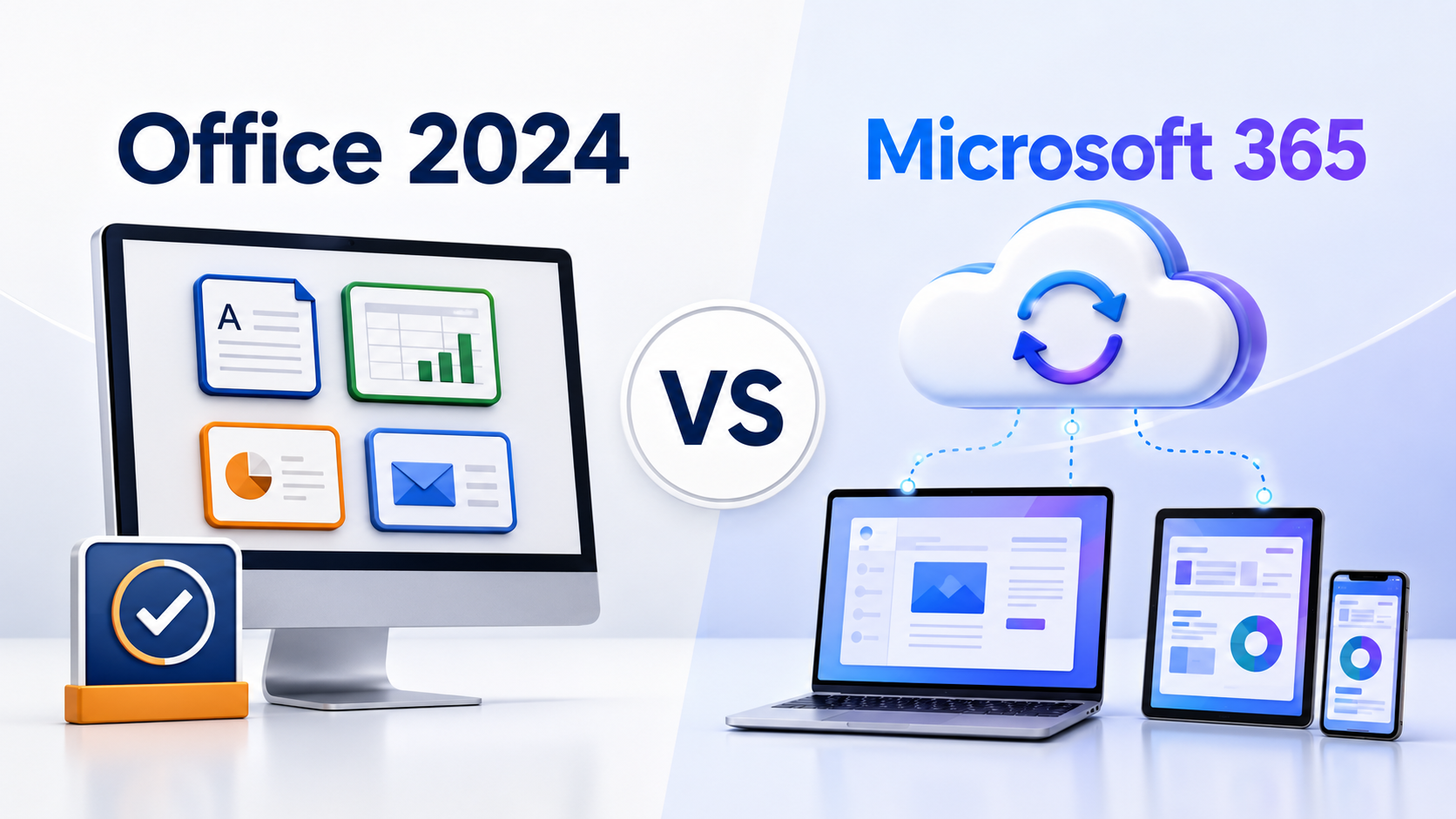
Office 2024 and Microsoft 365 both give you Word, Excel and PowerPoint, but they are built for very different buyers. One prioritizes ownership and stability; the other prioritizes cloud services, multiple devices and continuous updates.
If you are searching for Microsoft Office in 2026, the hardest part is no longer deciding whether you need Word or Excel. It is deciding how you want to pay for and use those applications.
Office 2024 is a one-time purchase for a fixed set of desktop applications. Microsoft 365 is a recurring subscription that combines the current Office applications with cloud storage, feature updates and use across multiple devices.
The names are similar enough to make the choice feel more complicated than it is. The right answer usually comes down to four questions: How many devices do you use? Do you need OneDrive storage? Do you want new features as they arrive? And are you comfortable with an ongoing subscription?
Choose Office 2024 if you mainly work on one computer, prefer paying once and do not need 1 TB of OneDrive storage or continuous feature updates. Choose Microsoft 365 if you move between several devices, collaborate online, want cloud storage or want the newest features while your subscription remains active.
Office 2024 vs Microsoft 365 at a glance
| Feature | Office 2024 | Microsoft 365 |
|---|---|---|
| Payment | One-time purchase | Monthly or annual subscription |
| Devices | Normally one PC or Mac for retail editions; check the exact licence | Personal subscribers can sign in on up to five devices at the same time |
| Core desktop apps | Fixed 2024 versions; included apps depend on the edition | Current desktop apps; included apps depend on the plan and platform |
| Feature updates | No new feature stream or free upgrade to the next major release | New features and improvements are added while subscribed |
| Security updates | Included during the product’s support lifecycle | Included while the subscription and supported configuration remain active |
| Cloud storage | No 1 TB OneDrive benefit included with the one-time purchase | Common Personal, Family and business plans include 1 TB per licensed user |
| Offline use | Yes, after installation and activation | Yes, but the apps must connect periodically to verify the subscription |
| Best fit | One main computer, stable features and no recurring fee | Multiple devices, cloud files, collaboration and current features |
This table gives you the broad difference, but edition names matter. Office Home 2024, Office Home & Business 2024 and Office LTSC 2024 Professional Plus are not interchangeable. Microsoft 365 Personal, Family, Apps for business and Business Standard also have different services and usage rights.
What do you actually get with Office 2024?
Office 2024 is for people who want the traditional Office experience: install the desktop applications, activate the licence and continue using that release without a monthly or annual subscription.
The exact applications depend on the edition you choose:
- Office Home 2024 includes the classic desktop versions of Word, Excel, PowerPoint and OneNote for one PC or Mac.
- Office Home & Business 2024 adds Outlook and is intended for home and commercial use on one PC or Mac.
- Office LTSC 2024 Professional Plus is a commercial, fixed-release edition for Windows-based organizational deployments and includes applications such as Word, Excel, PowerPoint, Outlook and Access.
Do not assume every Office 2024 package contains the same applications. Publisher is not included with Office LTSC 2024, and Teams is not installed as part of LTSC 2024. Always check the edition, platform, number of permitted devices and licence terms before purchasing.
The benefits of choosing Office 2024
- You make one purchase instead of maintaining a recurring subscription.
- The interface and major feature set remain relatively stable.
- The desktop applications work offline after installation and activation.
- Your everyday Word, Excel and PowerPoint files remain stored locally unless you choose another cloud service.
- Office 2024 is supported by Microsoft through October 2029.
The trade-offs
A one-time purchase is not a promise of free future versions. Office 2024 receives applicable security and quality updates during its lifecycle, but it does not receive the continuous stream of new features provided to Microsoft 365 subscribers. If Microsoft releases a future major perpetual version and you want it, you will generally need to buy that version separately.
You also do not receive the Microsoft 365 subscription benefits such as 1 TB of OneDrive storage, multi-device entitlement or the same cloud-connected feature set. This matters less if you work at one desk, but it matters a great deal if you switch between a Windows PC, Mac, tablet and phone every day.
What do you get with Microsoft 365?
Microsoft 365 turns Office into an ongoing service. You pay monthly or annually, and the desktop applications continue receiving new features, fixes and security updates while your subscription is active and your devices meet Microsoft’s requirements.
For personal buyers, Microsoft currently distinguishes between plans such as Personal and Family. Microsoft 365 Personal is for one person and supports simultaneous use on up to five devices. Microsoft 365 Family can be shared with up to five additional people, with each person using their own Microsoft account and receiving their own storage allocation.
Business plans are licensed differently. Microsoft 365 Apps for business focuses on the desktop, web and mobile applications plus cloud storage, while plans such as Business Standard can add services such as business email and broader collaboration tools. Never select a business plan based only on the word “Office”; confirm whether you need hosted email, Teams, device management or security features.
The benefits of choosing Microsoft 365
- You can work across supported PCs, Macs, tablets and phones.
- Common plans include 1 TB of OneDrive storage for each licensed user.
- You receive current feature updates rather than staying on the 2024 feature set.
- Cloud saving and real-time collaboration are more deeply integrated.
- Eligible plans include Copilot or other AI-powered features, subject to plan-specific limits and availability.
The trade-offs
The subscription is an ongoing expense. If you cancel or allow it to expire, the desktop applications eventually enter a reduced-functionality state: you can generally view and print existing files, but editing and creating new documents becomes restricted until you reactivate the subscription.
Microsoft 365 can be used offline after the applications are installed, but it is not designed to remain disconnected indefinitely. Microsoft says the apps should connect to the internet regularly and may enter reduced functionality if they do not connect for at least a month.
Useful distinction: “Works offline” and “does not require a subscription” are not the same thing. Both products can run without a constant internet connection, but Microsoft 365 must periodically confirm that the subscription is active.
Which option costs less over time?
There is no honest answer without looking at how you use Office.
Office 2024 can be the better-value choice when you need the applications on one main computer, are happy with the 2024 feature set and plan to keep that computer for several years. Once you have paid for the licence, there is no Microsoft 365 renewal simply to keep using that version.
Microsoft 365 can deliver more value even though it costs more over several years. If you would otherwise pay separately for cloud storage, need Office on several devices or regularly use the latest collaboration and AI tools, comparing only the price of Word and Excel misses much of what the subscription includes.
A sensible cost comparison should include:
- How many people need access? One Office 2024 licence and a Microsoft 365 Family subscription solve different problems.
- How many computers and mobile devices are used? Check the exact device entitlement for the product or plan.
- Would you pay for cloud storage anyway? OneDrive may replace another storage subscription, but only if you will genuinely use it.
- How often do you upgrade? A buyer who upgrades every major release will view a subscription differently from someone who keeps the same version for five years.
- Do you need subscription-only services? Hosted business email, larger collaboration features and plan-specific security tools can outweigh the desktop-app cost.
Do not buy Microsoft 365 solely because it is newer, and do not buy Office 2024 solely because “pay once” sounds cheaper. Buy the benefits you will actually use.
Office 2024 or Microsoft 365 for a business?
For a small business, the choice depends less on company size and more on the working style.
Office 2024 may suit your business when:
- Employees use assigned Windows PCs or Macs rather than switching devices.
- You already have email, file storage and collaboration systems.
- You want a stable set of features for compatibility or training reasons.
- You have specialist computers that should not receive frequent feature changes.
- You understand how the selected retail or volume licence may be deployed.
Microsoft 365 may suit your business when:
- Staff work remotely or regularly use more than one device.
- Teams need to co-author files and keep them centrally available.
- You need services such as 1 TB of OneDrive storage per licensed user.
- You want predictable per-user administration and current applications.
- You need a plan that includes hosted business email or additional security and management services.
Licensing matters: Office LTSC 2024 Professional Plus is not simply a larger consumer edition. Microsoft positions LTSC as a volume-licensed commercial product for controlled environments. Before buying it for an organization, confirm the licence channel, activation method, permitted device count, transfer rights and proof of licence—not just the list of applications.
Which should you buy? Use these six questions
Office 2024 is probably right if…
- You mainly use one computer.
- You prefer a one-time payment.
- You do not need 1 TB of OneDrive.
- You can stay on the same features.
- You want locally installed desktop apps.
- You have checked the exact edition and licence.
Microsoft 365 is probably right if…
- You regularly use several devices.
- You want OneDrive cloud storage.
- You collaborate on files in real time.
- You want continuing feature updates.
- You value eligible AI and cloud features.
- You accept a monthly or annual renewal.
Our practical recommendation for 2026
For a person who uses one computer for Word, Excel, PowerPoint and Outlook—and does not need large cloud storage—Office Home & Business 2024 is often the cleaner purchase. You pay once, receive the core desktop applications and avoid another subscription.
For someone who works across several devices, stores files in the cloud or collaborates frequently, Microsoft 365 usually provides the stronger overall experience. The ongoing fee buys more than the desktop apps.
For Windows organizations considering Access and a controlled, fixed feature set, Office LTSC 2024 Professional Plus may be appropriate, but only after the licensing and deployment rights are verified.
Frequently asked questions
Is Office 2024 a lifetime licence?
Office 2024 is a one-time purchase for the licensed version rather than a subscription. That does not mean lifetime support, lifetime feature upgrades or automatic access to future Office releases. Microsoft’s support lifecycle for Office 2024 runs through October 2029.
Can I use Office 2024 without the internet?
Yes. After downloading, installing and activating Office 2024, you can use its desktop applications offline. Internet access may still be required for activation, updates, online help and any cloud services you choose to use.
Can Microsoft 365 work without the internet?
Yes, the installed desktop apps can work offline. However, Microsoft 365 needs an internet connection for installation, activation, updates, billing management and periodic licence verification. Microsoft advises connecting at least monthly to avoid reduced functionality.
Does Office 2024 include Outlook?
It depends on the edition. Office Home 2024 does not include Outlook, while Office Home & Business 2024 does. Office LTSC 2024 editions also vary, so check the official application list and the seller’s exact licence details before ordering.
Does Office 2024 include OneDrive storage?
The one-time Office 2024 purchase does not include the 1 TB OneDrive storage benefit associated with common Microsoft 365 subscriptions. You can still use a separate OneDrive plan or another storage service.
Does Office 2024 receive security updates?
Yes, supported Office 2024 editions receive applicable security and quality updates during their Microsoft lifecycle. They do not receive the continuous stream of new features offered through Microsoft 365.
Can I install Office 2024 on five devices?
A standard retail purchase of Office Home 2024 or Office Home & Business 2024 is normally for one PC or Mac. Multi-device and volume licences are different products. Verify the exact licence agreement and device count rather than assuming that every Office 2024 key has the same rights.
Will Office 2024 stop working when support ends?
End of support does not normally mean the installed applications immediately stop opening. It means Microsoft no longer provides security updates, fixes and assisted support for that version. Continuing to use unsupported software can increase security and compatibility risks.