USA Owned & Operated


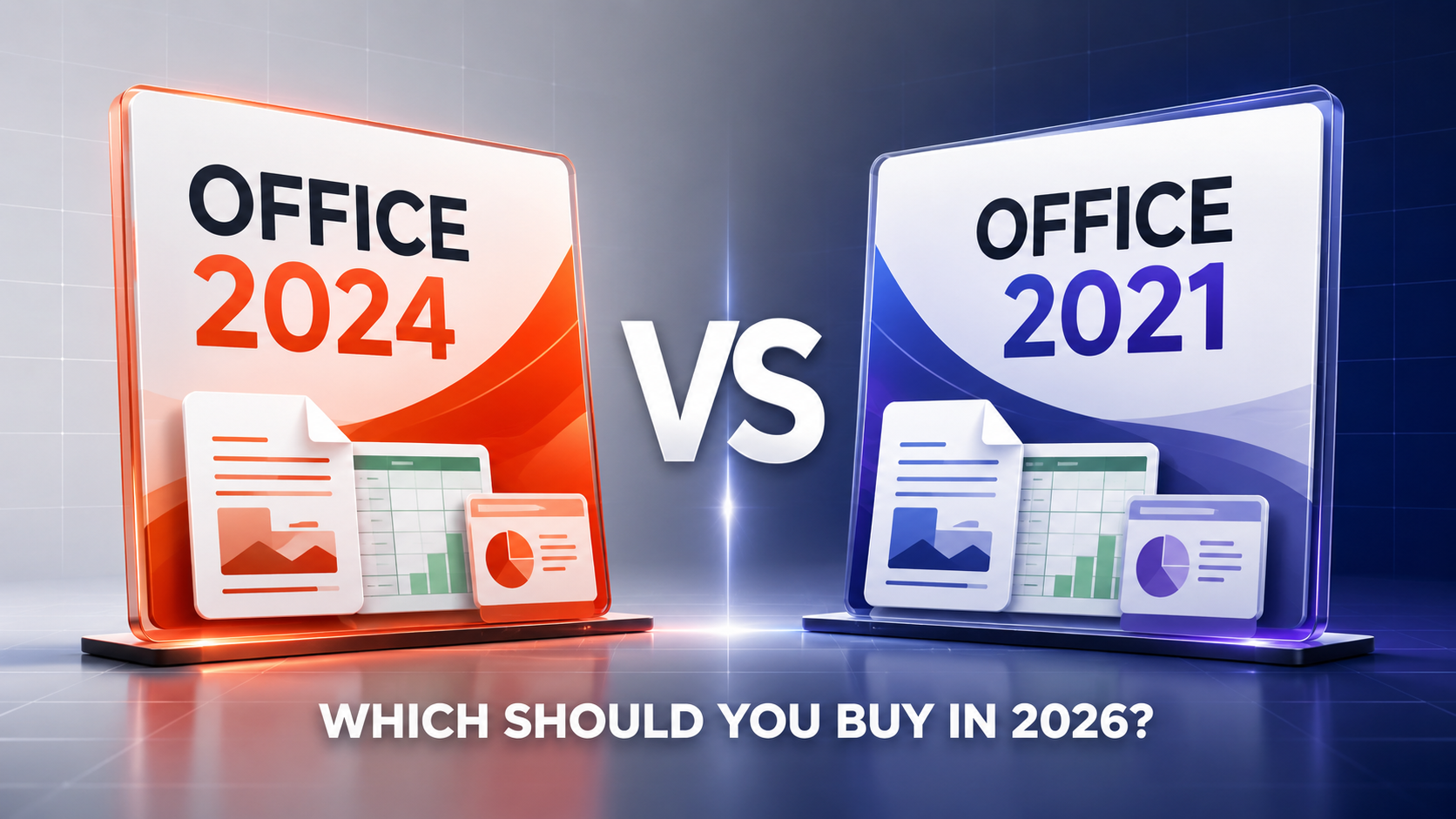
Office 2024 vs Office 2021: Which Should You Buy in 2026?
Updated August 2026 • Microsoft Office buying guide
If you are comparing Office 2024 vs Office 2021, the names make the decision look simple: newer should be better. In practice, the right choice depends on support, the applications you need and whether you are comfortable using a fixed version instead of Microsoft 365.
There is also one timing issue that matters in 2026. Microsoft support for Office 2021 and Office LTSC 2021 ends on October 13, 2026. Office LTSC 2024 remains supported until October 2029.
Office 2024 vs Office 2021 at a glance
| Feature | Office 2021 Professional Plus | Office LTSC 2024 Professional Plus |
|---|---|---|
| Payment model | One-time purchase | One-time purchase |
| Subscription | Not required | Not required |
| Core applications | Word, Excel, PowerPoint, Outlook, OneNote and Access | Word, Excel, PowerPoint, Outlook, OneNote and Access |
| Microsoft Publisher | Included with Professional Plus | Not included |
| Ongoing new features | No | No |
| End of Microsoft support | October 13, 2026 | October 2029 |
| Best fit in 2026 | Existing installations and specific Publisher requirements | New business and professional installations |
Both are perpetual releases of Microsoft Office. You purchase the licensed version once instead of paying a monthly or annual Microsoft 365 subscription.
However, a one-time purchase does not mean lifetime updates. Neither release automatically upgrades to the next major Office version, and neither receives the continually added cloud and AI features available through Microsoft 365.
Which applications are included?
Office 2021 Professional Plus
- Microsoft Word 2021
- Microsoft Excel 2021
- Microsoft PowerPoint 2021
- Microsoft Outlook 2021
- Microsoft OneNote
- Microsoft Access 2021
- Microsoft Publisher 2021
Office LTSC 2024 Professional Plus
- Microsoft Word
- Microsoft Excel
- Microsoft PowerPoint
- Microsoft Outlook
- Microsoft OneNote
- Microsoft Access
What is actually new in Office 2024?
Office 2024 does not completely reinvent Word or Excel. If you are comfortable with Office 2021, the basic layout will remain familiar. The changes are practical improvements rather than a completely different way of working.
A cleaner, more modern appearance
Office 2024 introduces an updated default theme with a more consistent appearance across Word, Excel, PowerPoint and Outlook. It fits more naturally with Windows 11 while keeping the familiar menus and ribbon interface.
Useful new Excel tools
Excel receives some of the most noticeable upgrades. Office 2024 adds 14 text and array functions for splitting, combining and reshaping data. It also supports charts connected to dynamic arrays, so a chart can automatically expand or contract as its source data changes.
These improvements are useful for people working with sales reports, stock lists, financial data and frequently changing spreadsheets.
Better Word session recovery
Word 2024 improves session recovery. If Word closes unexpectedly before a document is saved, it has an improved chance of reopening the files you were working on. You should still save regularly and keep backups, but this can reduce the damage caused by a crash or power interruption.
Accessibility and file-format improvements
Office 2024 includes improved accessibility tools across Word, Excel, PowerPoint and Outlook. It also adds support for OpenDocument Format 1.4 in Word, Excel and PowerPoint, which is useful when exchanging files with organizations using ODT, ODS or ODP formats.
Is Office 2021 still worth buying in 2026?
Office 2021 still works and remains supported until October 13, 2026. It will not suddenly stop opening the following day.
The important change is that Microsoft will no longer provide security updates, bug fixes or technical support after the end-of-support date. Newly discovered security problems may therefore remain uncorrected.
That matters particularly for businesses handling customer information, financial documents, email attachments or files received from outside the organization.
If you already own Office 2021, you do not necessarily have to remove it immediately. You should, however, plan an upgrade. If you are buying a license now and want to use it for several years, Office 2024 provides substantially more remaining support.
Office 2024 or Microsoft 365?
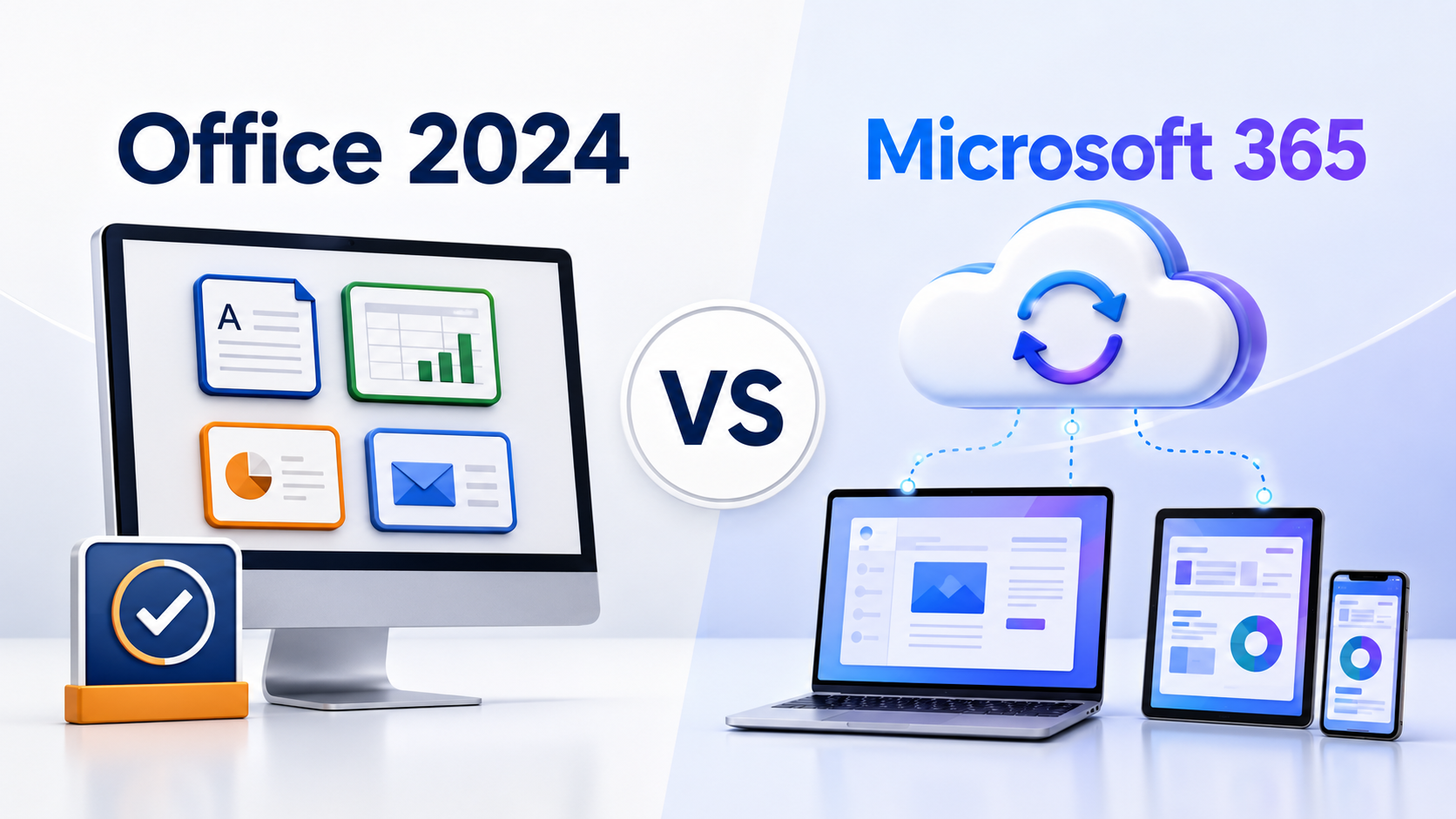
Office 2024 and Microsoft 365 follow different payment and update models.
Choose Office 2024 if you:
- Prefer paying once instead of maintaining a subscription
- Need locally installed Office applications on a Windows PC
- Are comfortable using the same major version for several years
- Do not need continuously added cloud or AI features
- Want applications that can be used offline after installation and activation
Consider Microsoft 365 if you:
- Need Office across several computers, tablets or phones
- Want OneDrive cloud storage
- Collaborate on documents in real time
- Want new features as Microsoft releases them
- Prefer a monthly or annual subscription
Neither model is automatically better. The right choice depends on whether you value a predictable one-time purchase or continuously updated cloud services.
Which version should you choose?
Choose Office LTSC 2024 Professional Plus
Office LTSC 2024 Professional Plus is the stronger choice for most new Windows business and professional installations. It offers newer features and Microsoft support extending into October 2029.
Office 2021 may still make sense when:
- You specifically need Microsoft Publisher.
- An older Office add-in or business application has only been approved for Office 2021.
- You already own a valid Office 2021 license and are preparing an upgrade plan.
- You understand that Microsoft support ends in October 2026.
If you have a specific compatibility requirement, you can review Microsoft Office 2021 Professional Plus. For a new long-term installation, Office 2024 is the safer recommendation.
Compatibility and installation considerations
Can Office 2024 open Office 2021 files?
Yes. Office 2024 can open standard DOCX, XLSX and PPTX files created with Office 2021. Files using a new Office 2024 feature may not behave identically if they are later opened in an older application, so keep backups of important business documents.
Can Office 2021 and Office 2024 be installed together?
Installing multiple Office versions on the same Windows computer is generally not recommended. Shared components, activation services and file associations can create conflicts.
- Back up Outlook data and important Office files.
- Confirm that you have the necessary installation and activation details.
- Uninstall the previous Office version.
- Restart the computer.
- Install and activate the new version.
Does Office LTSC 2024 work on Windows 10?
Office LTSC 2024 was originally compatible with supported Windows 10 environments, but standard Windows 10 support ended in October 2025. For a new installation in 2026, Windows 11 is the safer supported choice.
Microsoft continues to list certain Windows 10 LTSC editions in its Office LTSC 2024 support information. That should not be confused with ordinary Windows 10 Home or Pro installations. Check your exact Windows edition before purchasing.
Frequently asked questions
Is Office 2024 a subscription?
No. Office 2024 and Office LTSC 2024 are available as one-time-purchase releases. They do not automatically include future major Office versions.
When does support for Office 2021 end?
Microsoft support for Office 2021 and Office LTSC 2021 ends on October 13, 2026. The applications may continue working, but Microsoft will no longer provide security updates, bug fixes or technical support.
Does Office LTSC 2024 include Publisher?
No. Microsoft Publisher is not included with Office LTSC 2024. Microsoft plans to retire Publisher in October 2026.
Does Office LTSC 2024 include Microsoft Teams?
Teams is not installed automatically with Office LTSC 2024. It is available separately from Microsoft.
Can Office 2024 be used without the internet?
Internet access is required for downloading, activation and receiving updates. After activation, the desktop applications can perform many everyday tasks offline. Exact activation requirements depend on the license and deployment method.
Does Professional Plus work on Mac?
Office Professional Plus is a Windows edition. Mac users should choose an Office edition specifically licensed and supported for macOS.
Ready to choose the right Office version?
Check the applications, supported devices, operating-system requirements and activation terms before ordering. If you need help, Your Office Hub can guide you toward the appropriate edition.
View Office LTSC 2024 Browse all Office licenses